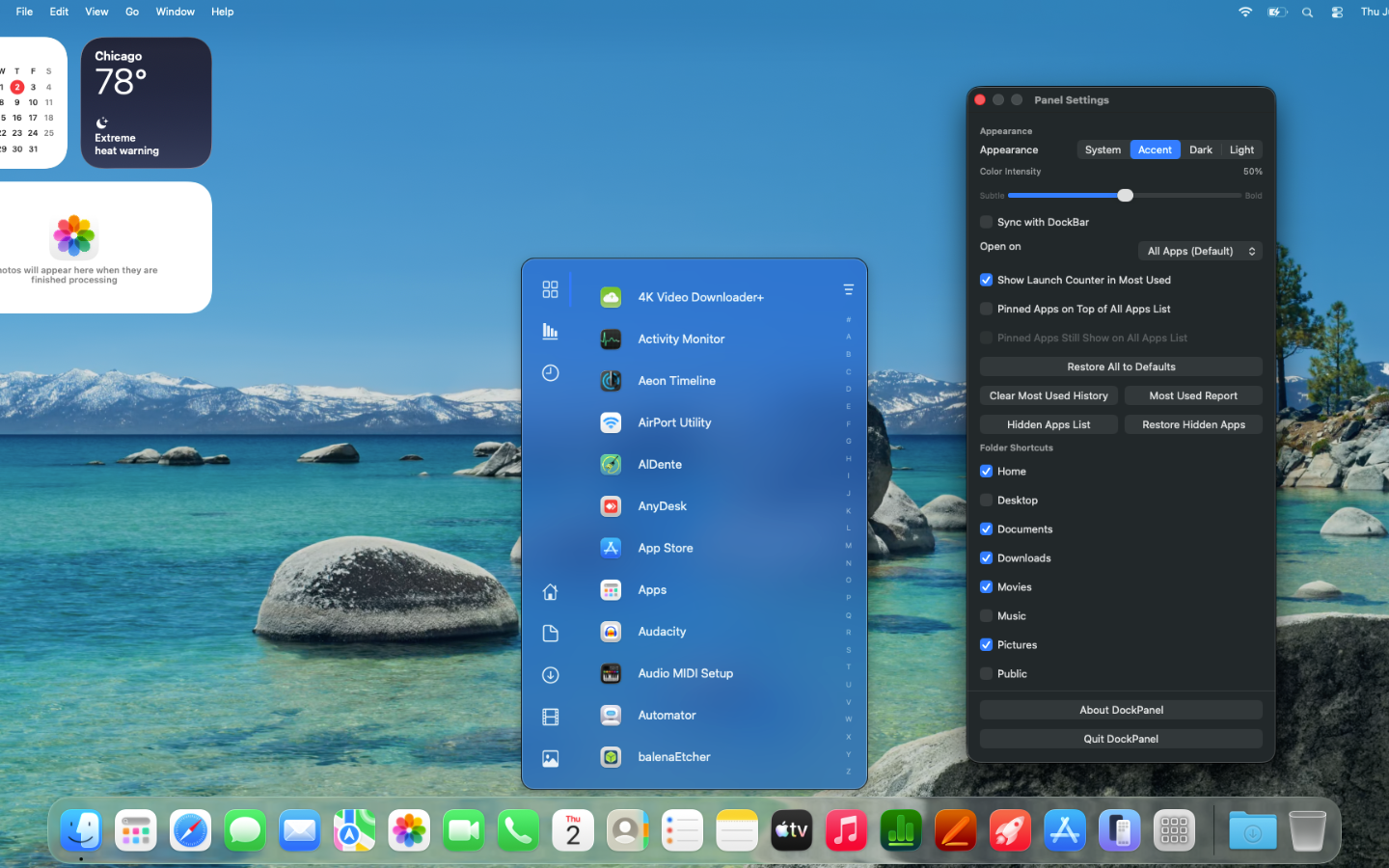
Introducing DockPanel
Tired of digging through Launchpad or scrolling through your Applications folder? DockPanel puts every app on your Mac one click away, organized exactly how you want.
Find Any App, Fast
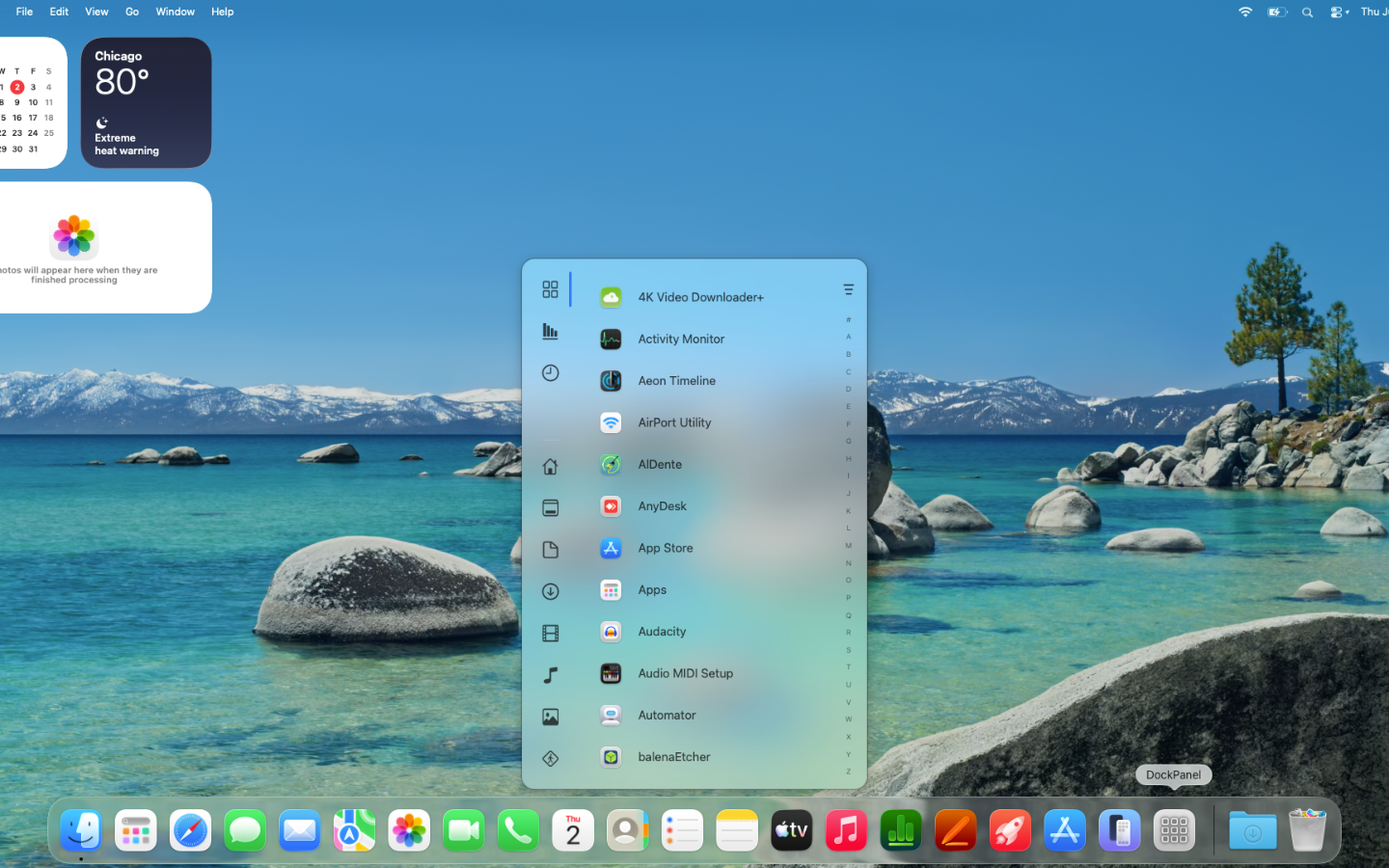
Browse all your installed apps in a clean, alphabetical list with a vertical A–Z scrubber for instant jumping. Filter by category — Developer Tools, Productivity, Games, and more — to narrow things down. Recently installed something? It's already there.
Pin Your Favorites
Pin the apps you use most to the top for instant access. Reorder them with a right-click. Choose whether pinned apps get their own dedicated section or stay mixed into the full list.
Smart Tabs That Learn How You Work
All Apps — Every app on your Mac, sorted and searchable
Pinned — Your hand-picked favorites
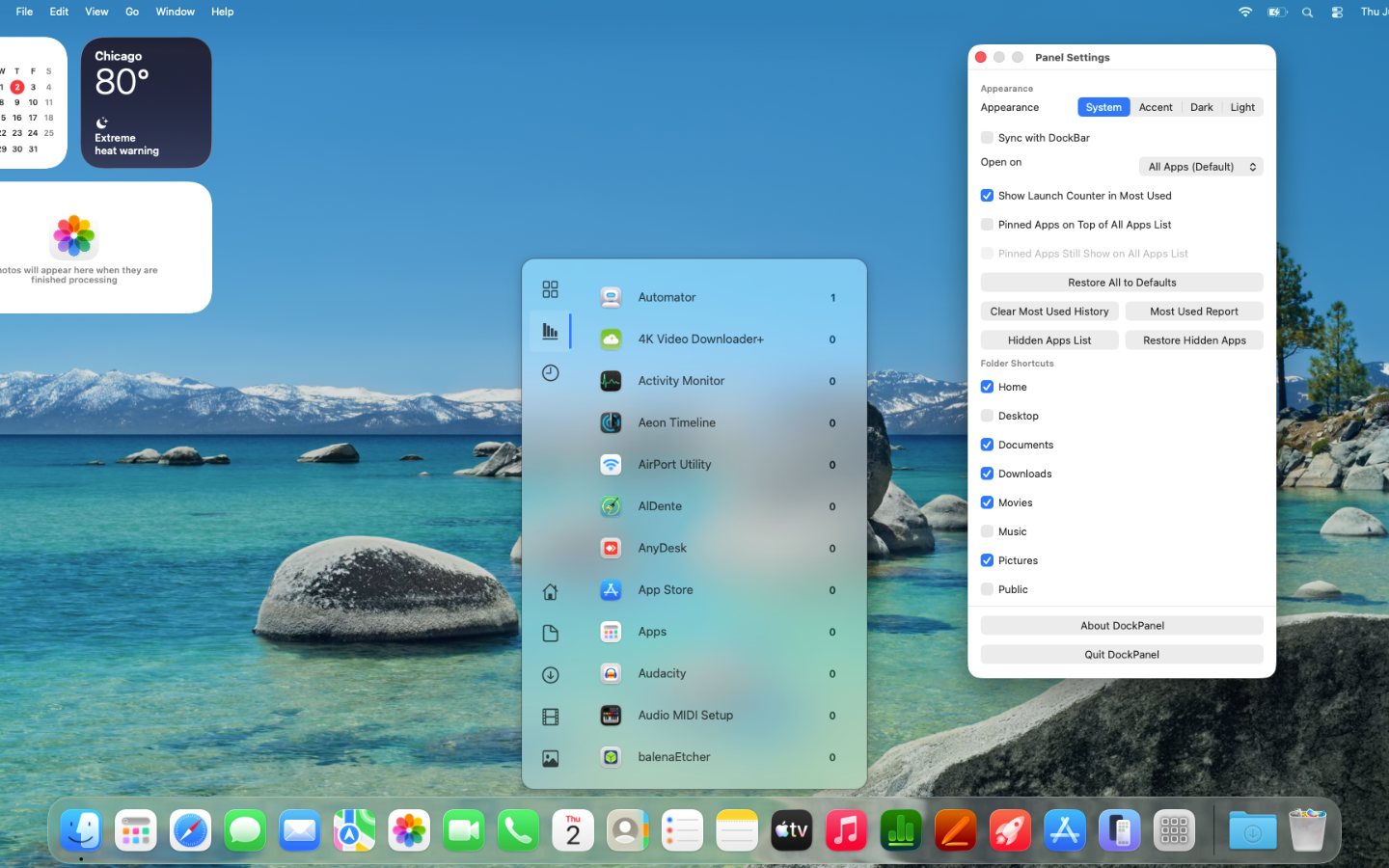
Most Used — Automatically ranked by how often you launch each app
Recents — The last apps you opened, always up to date
Choose which tab opens first, or let DockPanel remember where you left off.
Folder Shortcuts at Your Fingertips
Access Desktop, Documents, Downloads, Music, Movies, Pictures, and more from the sidebar — no Finder window required. Show or hide each shortcut to keep things tidy.
Looks Right at Home
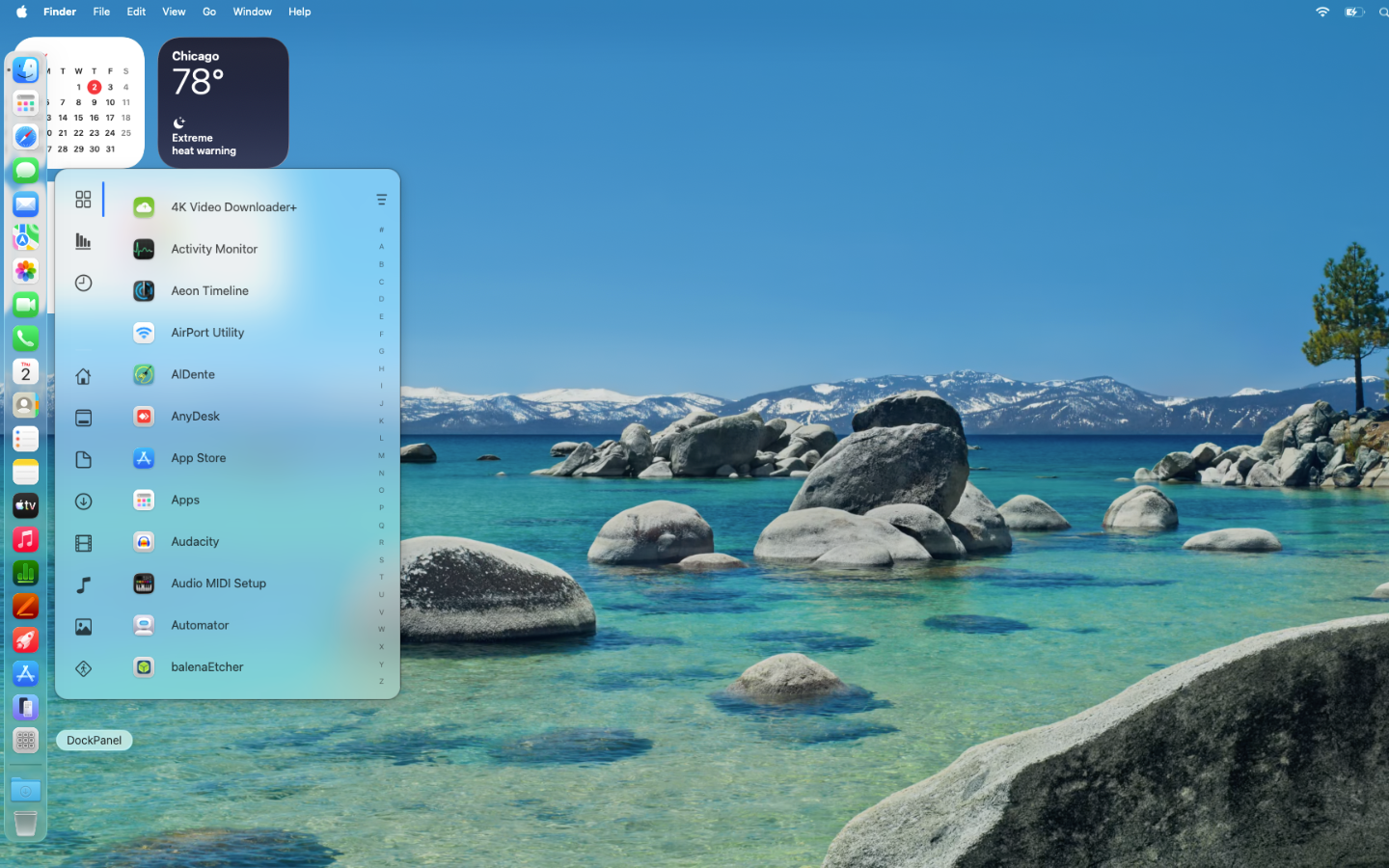
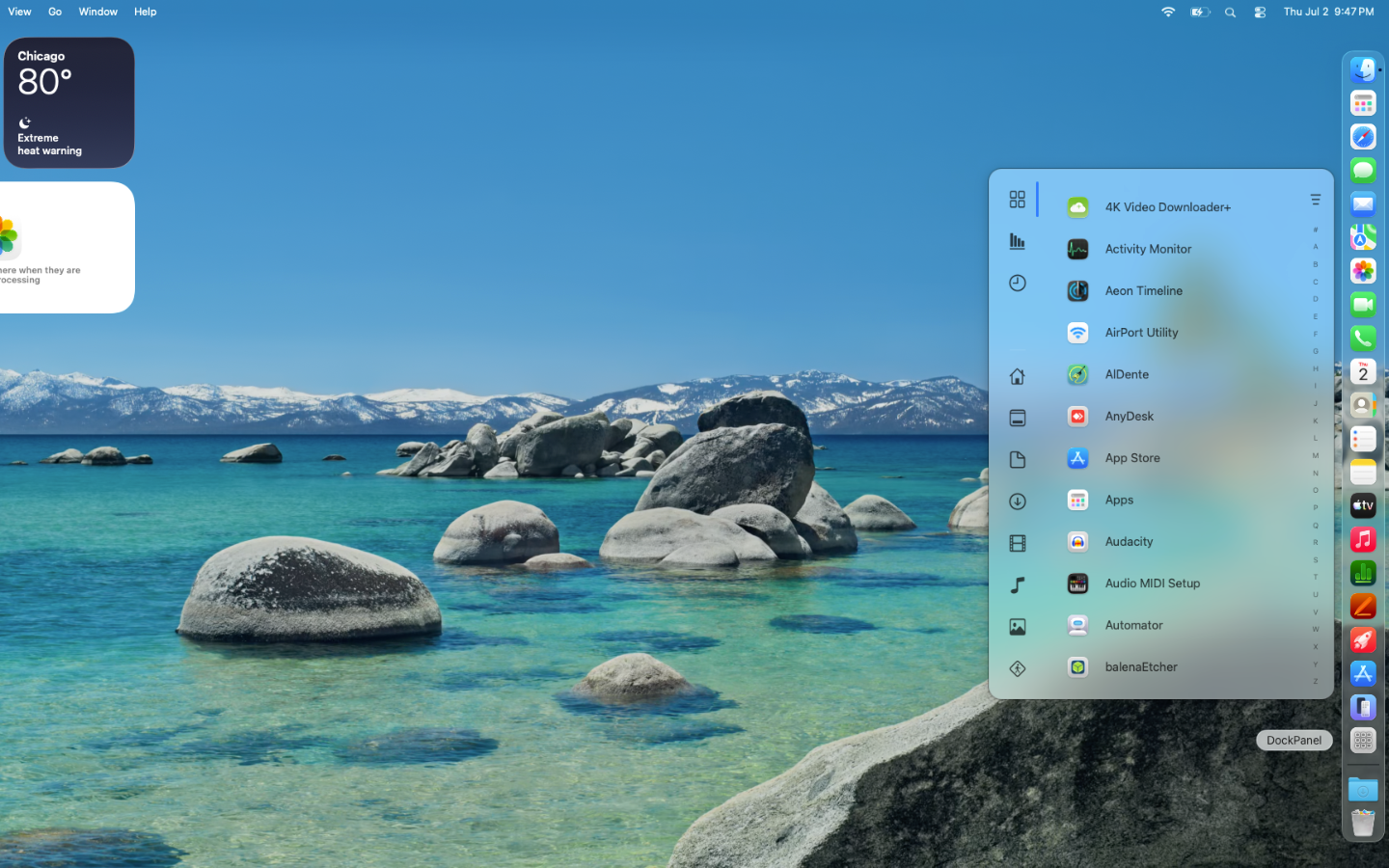
DockPanel follows your system appearance automatically, or lock it to Light, Dark, or Accent mode with a tunable color intensity slider. The panel positions itself next to your Dock — bottom, left, or right — wherever you keep it.
Features Include
Alphabetical app list with A–Z scrubber
11 category filters plus Preinstalled/Installed toggles
Pin, reorder, and hide apps
Most Used ranking with optional launch counter
Folder shortcuts for 8 common locations
System, Light, Dark, and Accent appearance modes
Accent color intensity slider
DockBar appearance sync
Configurable startup tab
Click outside to dismiss
Smooth open/close animations